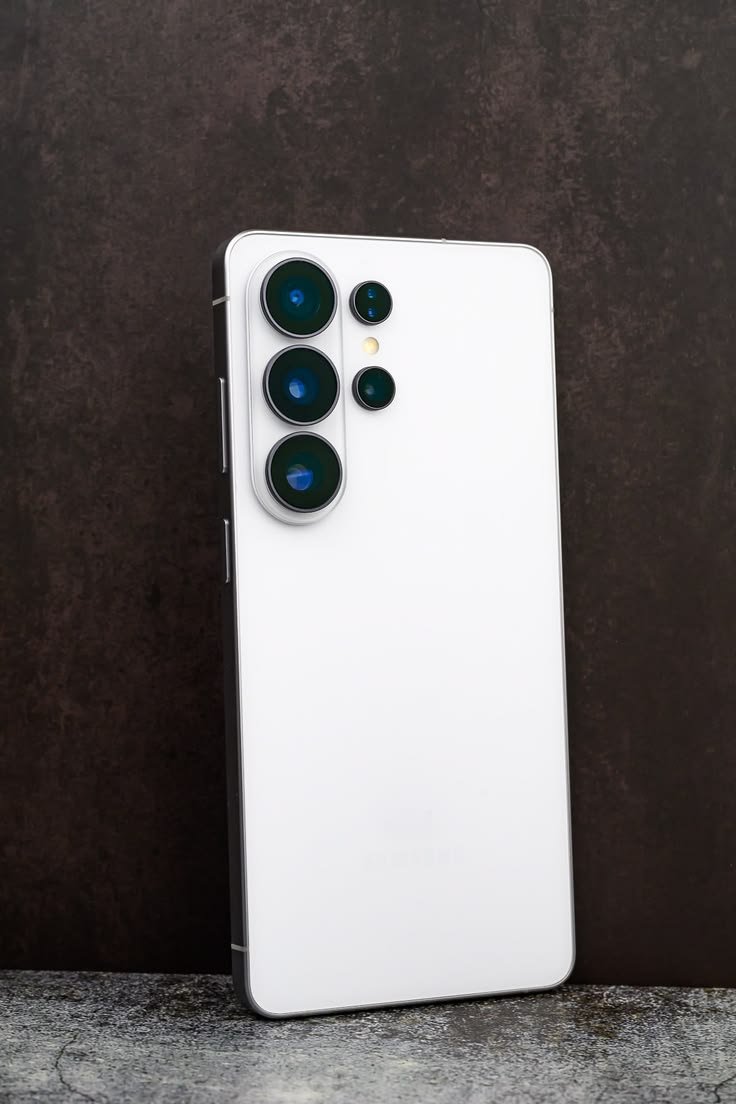
Photo Assist is one of the most useful Samsung S26 Ultra AI features for people who love taking pictures. Instead of spending time learning complicated editing applications, users can describe the changes they want in simple language.
For example, you can ask the AI to change the background, remove unwanted objects, or add creative elements to a photo. You can also make adjustments and review your edits step by step.
Why it matters:
- Remove distracting objects from photos.
- Change backgrounds to create a different atmosphere.
- Improve pictures for Instagram, Facebook, and other social platforms.
- Make creative edits without advanced photo-editing skills.
This feature can be especially useful for content creators and smartphone photography enthusiasts.
2. Built-In Privacy Display for Better Screen Privacy
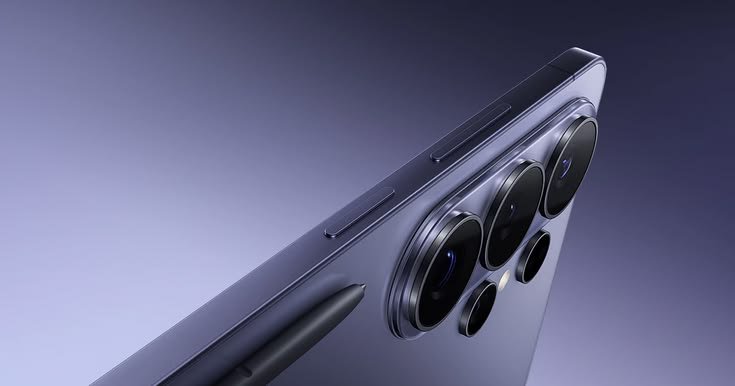
Privacy Display is a standout feature of the Galaxy S26 Ultra. Unlike an ordinary screen protector, it uses built-in display technology to limit the visibility of on-screen content from side angles.
This can be helpful when you are checking messages, entering passwords, or viewing personal information on a crowded bus, in a café, or at work.
Users can also configure privacy settings for selected apps, notifications, and sensitive information.
The main benefit: You can protect the visibility of your screen without relying entirely on a separate privacy screen accessory.
Keep in mind that Privacy Display is designed to reduce viewing from certain angles, not replace secure passwords or other account-protection measures.
3. Creative Studio for AI-Generated Designs
Creative Studio makes it easier to turn ideas into personalized visual content. You can start with a prompt, sketch, or image and create designs such as stickers, invitations, and wallpapers.
For example, someone running an online store could experiment with custom sticker designs, while a social media creator could make personalized visuals for posts.
The feature helps reduce the time spent creating simple graphics from scratch.
However, AI-generated designs may still need manual adjustments, especially when you require precise text, consistent branding, or professional commercial artwork.
4. Now Nudge: Smarter Suggestions at the Right Time
Now Nudge is designed to provide contextual suggestions based on what you are doing.
Imagine a friend asks you to share pictures from a recent trip. Instead of manually searching through multiple albums, your phone may suggest relevant photos from your Gallery.
These suggestions aim to reduce unnecessary app switching and repeated actions.
For busy users, small improvements like these can make a smartphone feel more responsive to everyday needs.
The suggestions depend on context, supported applications, settings, and feature availability.
5. Now Brief for Personalized Daily Updates
Another useful addition is the improved Now Brief experience. It can surface relevant reminders and updates to help users stay organized.
Depending on supported services and available information, these may include travel updates, reservations, and upcoming events.
For example, if you have a busy day ahead, personalized reminders can help you keep track of important plans without manually opening several apps.
It is not a replacement for checking important details yourself, but it can make daily planning more convenient.
6. Circle to Search with Google Gets Smarter
Circle to Search is helpful when you see something interesting on your screen and want to learn more about it.
You can circle an object or part of an image to search for related information. Enhanced multi-object recognition allows users to explore multiple items in a single image.
Imagine seeing an outfit online. You may be able to search for the jacket, shoes, and other visible items without conducting separate searches for each one.
This can be useful for shopping research, discovering products, identifying visual inspiration, and exploring unfamiliar objects.
Search results still need to be checked carefully, particularly when you want to purchase a specific product.
7. AI Assistants for Everyday Tasks
The Galaxy S26 Ultra supports a more conversational approach to interacting with your phone. Samsung’s upgraded Bixby helps users navigate settings and control supported device functions using natural language.
The phone also integrates supported AI agents, including Google Gemini and Perplexity, subject to setup, availability, and their respective terms.
These assistants can help users find information and complete certain multi-step tasks across supported applications.
For example, you might ask an assistant to help organize a plan or find information about a destination. Some actions may require you to review details and confirm before they are completed.
This makes AI more practical than a tool that only answers questions.
8. AI-Powered Camera and Night Photography
The Galaxy S26 Ultra combines its camera hardware with AI-assisted image processing to improve photography and video capture.
Its 200MP main camera, improved low-light capabilities, and advanced zoom processing are designed to help capture detailed images in different conditions.
AI-powered zoom can help stabilize the view and improve the appearance of distant subjects, while Nightography aims to preserve detail in darker environments.
These capabilities can benefit people who photograph landscapes, buildings, concerts, or everyday moments.
However, results depend on lighting, movement, distance, and zoom level. Digital enhancement cannot guarantee the same detail as a close-up photograph.
9. Document Scan and AI Productivity Tools
The Samsung S26 Ultra AI features are not limited to entertainment and photography. Document Scan can help users turn paper documents into cleaner digital files.
It can remove distractions and distortions, including creases and fingers, making scans easier to read. Multiple images can also be organized into a single PDF.
This is useful for students, office workers, freelancers, and small business owners who regularly handle receipts, forms, and notes.
Instead of relying on a separate scanner for every small task, users can digitize documents directly from their phone.
Always check scanned documents before sharing them, particularly when they contain financial or personal information.
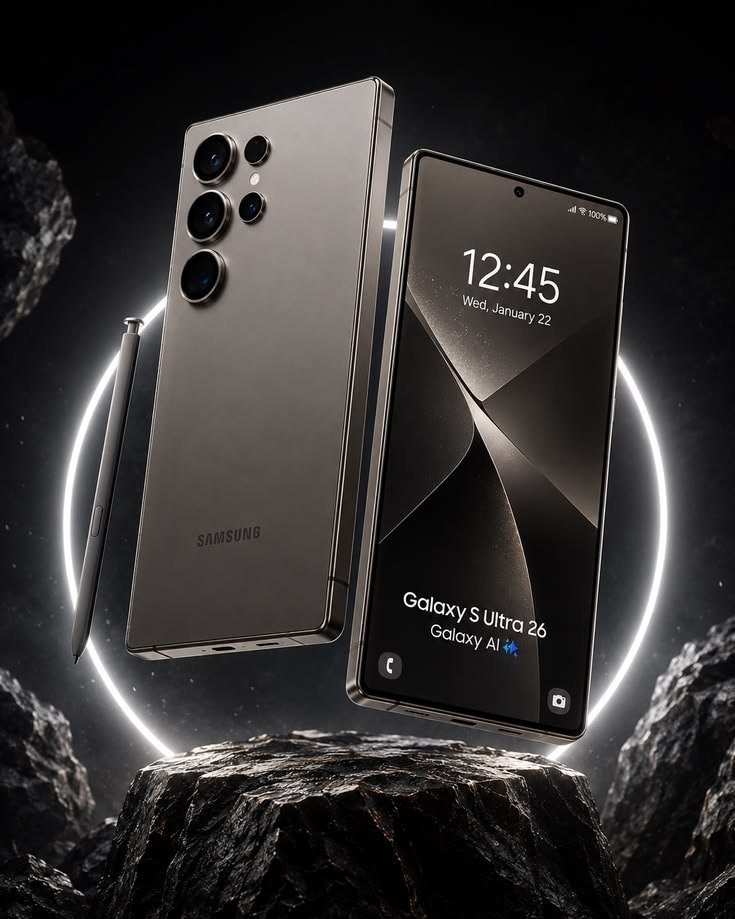
Is the Samsung Galaxy S26 Ultra Worth It for AI Features?
The Galaxy S26 Ultra is worth considering if you want a premium smartphone that combines AI assistance, creative tools, photography, and privacy features.
Its strongest attractions include Photo Assist, Creative Studio, Privacy Display, contextual suggestions, and intelligent search. Together, these features can help users save time and simplify common tasks.
However, not every AI feature is essential for every user. If you mainly use your phone for calls, messaging, and basic browsing, a less expensive smartphone may offer better value.
Some Galaxy AI functions are free, while enhanced Samsung and third-party AI features may have separate terms or fees. Availability can also vary by country, application, and software version.
Before purchasing, compare the features you will genuinely use with the phone’s price and your existing device.
Final Thoughts
The Samsung S26 Ultra AI features show how artificial intelligence can become part of everyday smartphone use rather than simply a marketing feature. From editing photos and creating designs to finding information and scanning documents, these tools offer practical benefits for different types of users.
Privacy Display adds another useful layer for people who frequently use their phones in public, while AI-powered camera processing supports creative photography.
If you are planning to upgrade your smartphone, consider which features fit your lifestyle before making a decision.
Stay connected with AutoBasic Labs for more smartphone guides, technology updates, comparisons, and practical tips to help you choose the right devices.